> ## Documentation Index
> Fetch the complete documentation index at: https://docs.usestash.com/llms.txt
> Use this file to discover all available pages before exploring further.
# Stash GitHub App
> Supporting open-source projects with our free plan
The GitHub App is included under the **Free Plan** for open-source projects as part of our commitment to supporting open-source builders and helping contributors be more effective.
You must have owner access to the GitHub organization or repository you want to connect.
In most open-source projects, contributors can feel lost among thousands of issues. They often ask the same questions repeatedly or spend time searching through old discussions and code without finding clear answers. This slows down contributions and creates extra work for maintainers.
The **Stash GitHub App** solves this problem by connecting your GitHub repositories directly to Stash. It enables Stash to analyze your project, keep it up to date as new commits and issues are created, and proactively deliver context when contributors need it.
## Connect your project to Stash
Follow the [**Create Project**](/create-new-project) steps in Stash.
You must skip the wiki connection; it’s not required for open-source projects.
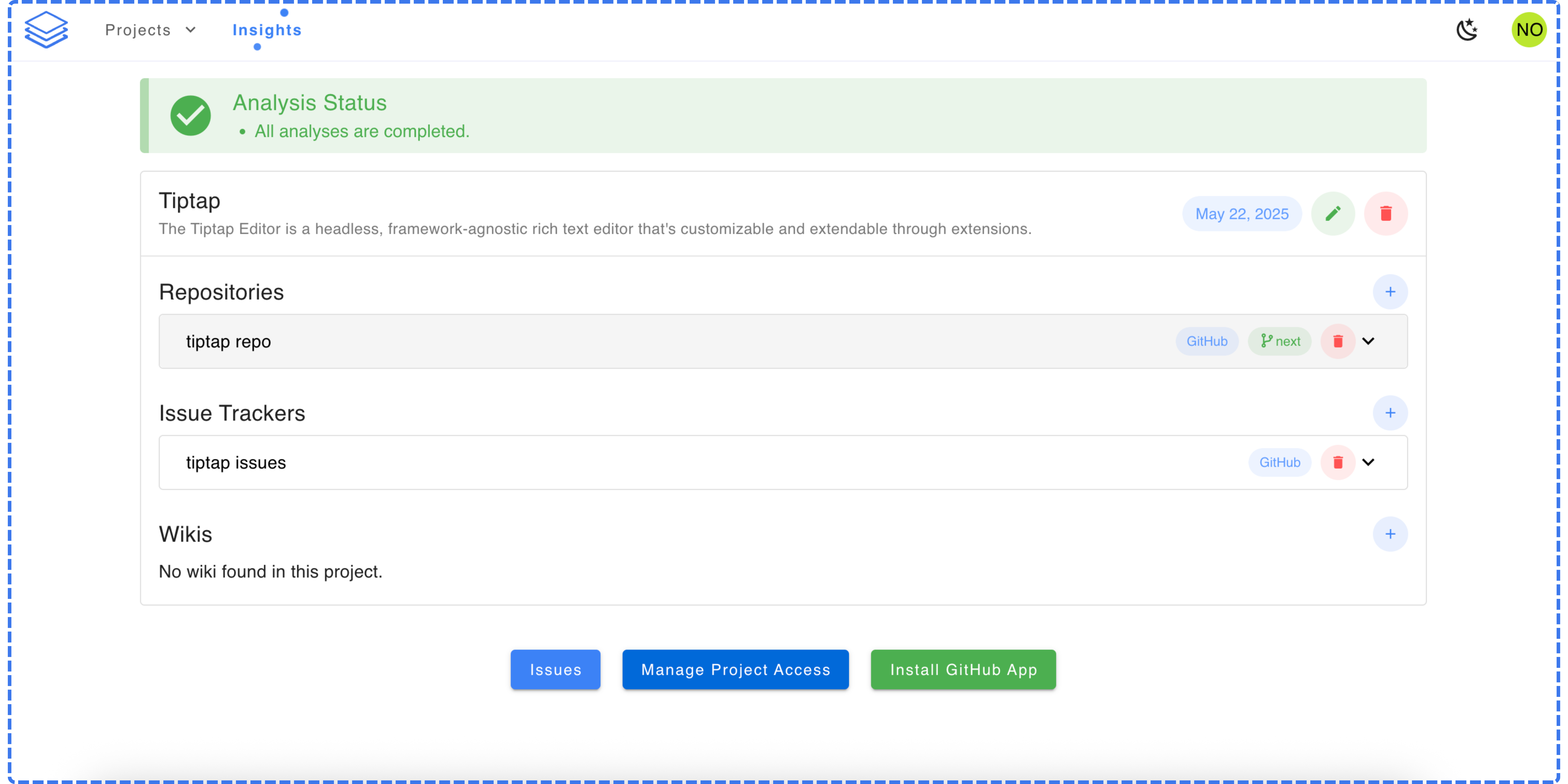
Once the analysis is ready, you’ll see the **Install** **GitHub App** button appear on your project dashboard.
You’ll be asked to choose which repositories the GitHub App should access. Select the **same repository** you added in the project creation wizard.
 After installing the GitHub App, contributors and maintainers can comment `/analyze` under any GitHub issue.
Stash will automatically reply with similar past issues and exact code files and lines related to the issue.
[Watch the quick video on YouTube](https://www.youtube.com/watch?v=DMsVMDt1kgw) to see how Stash enriches issues in action.
After installing the GitHub App, contributors and maintainers can comment `/analyze` under any GitHub issue.
Stash will automatically reply with similar past issues and exact code files and lines related to the issue.
[Watch the quick video on YouTube](https://www.youtube.com/watch?v=DMsVMDt1kgw) to see how Stash enriches issues in action.