> ## Documentation Index
> Fetch the complete documentation index at: https://docs.usestash.com/llms.txt
> Use this file to discover all available pages before exploring further.

# In your IDE

> Use Stash where you write code 

Stash isn’t limited to the web app - you can access all its features directly from your IDE. This means you can search, explore issues, and view context without switching tools.

## VS Code Extension

The Stash VS Code extension brings Smart Search and Issue Resolution Assistance directly into your coding workflow. Quickly navigate to relevant code files, issues, and docs without leaving VS Code.

<Steps>
  <Step title="Open the VS Code Marketplace and search for Stash.">
    [Click to see it in the marketplace](https://marketplace.visualstudio.com/items?itemName=stashlabs.stash-vscode)
  </Step>

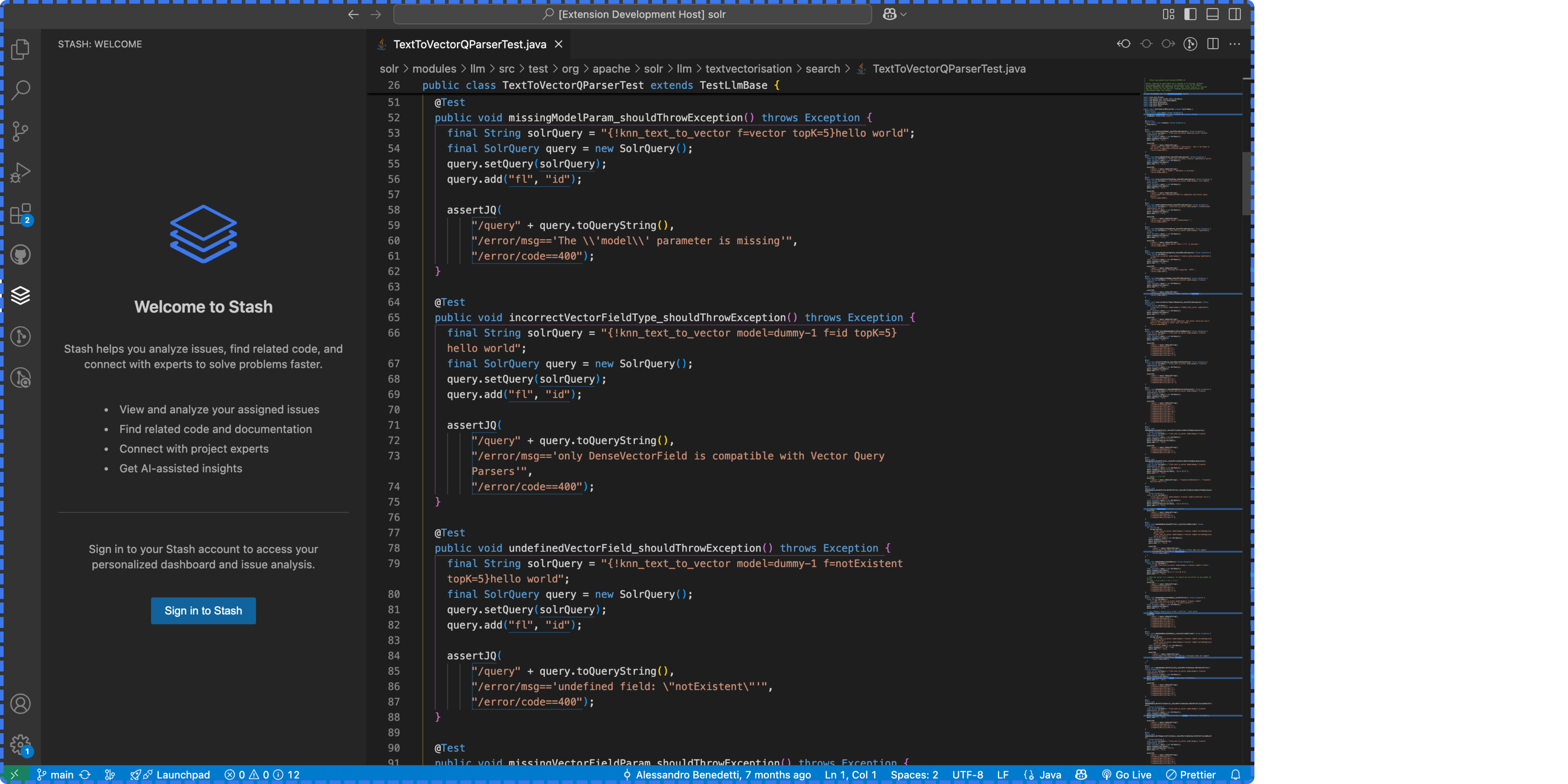
  <Step title="Install the extension and sign in with your Stash account.">
    <img src="https://mintcdn.com/stash/9o_KO0Lz9dj79wjO/images/VSLogin.png?fit=max&auto=format&n=9o_KO0Lz9dj79wjO&q=85&s=d9de4d6a870941736352223f694ed633" alt="VS Login Pn" width="6750" height="3375" data-path="images/VSLogin.png" />
  </Step>

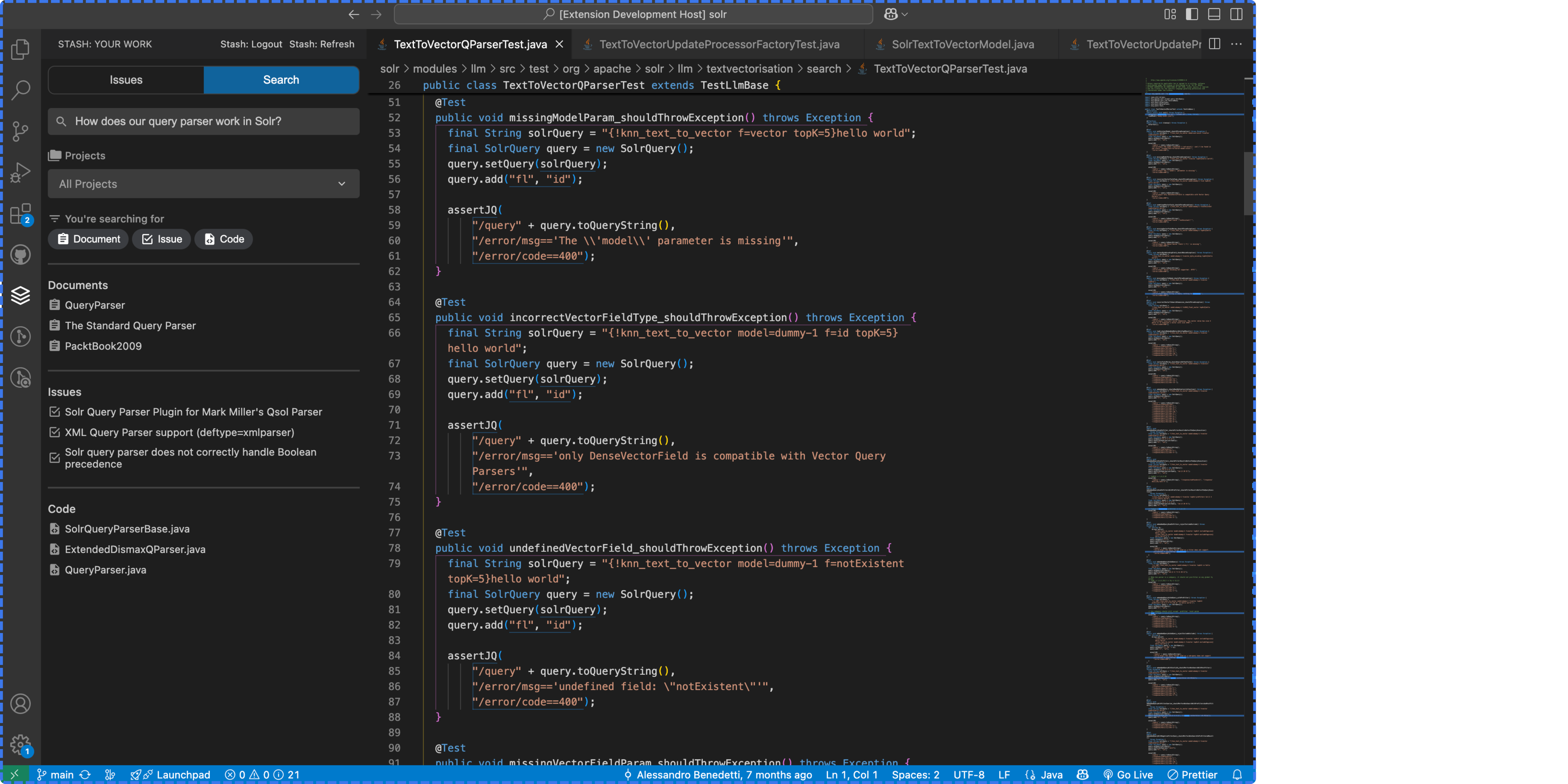
  <Step title="Access Smart Search and instantly find the context you need.">
    <img src="https://mintcdn.com/stash/9o_KO0Lz9dj79wjO/images/VSSmartSearch.png?fit=max&auto=format&n=9o_KO0Lz9dj79wjO&q=85&s=f500d1f67ba4ed8e3798c994289d5259" alt="VS Smart Search Pn" width="6750" height="3375" data-path="images/VSSmartSearch.png" />
  </Step>

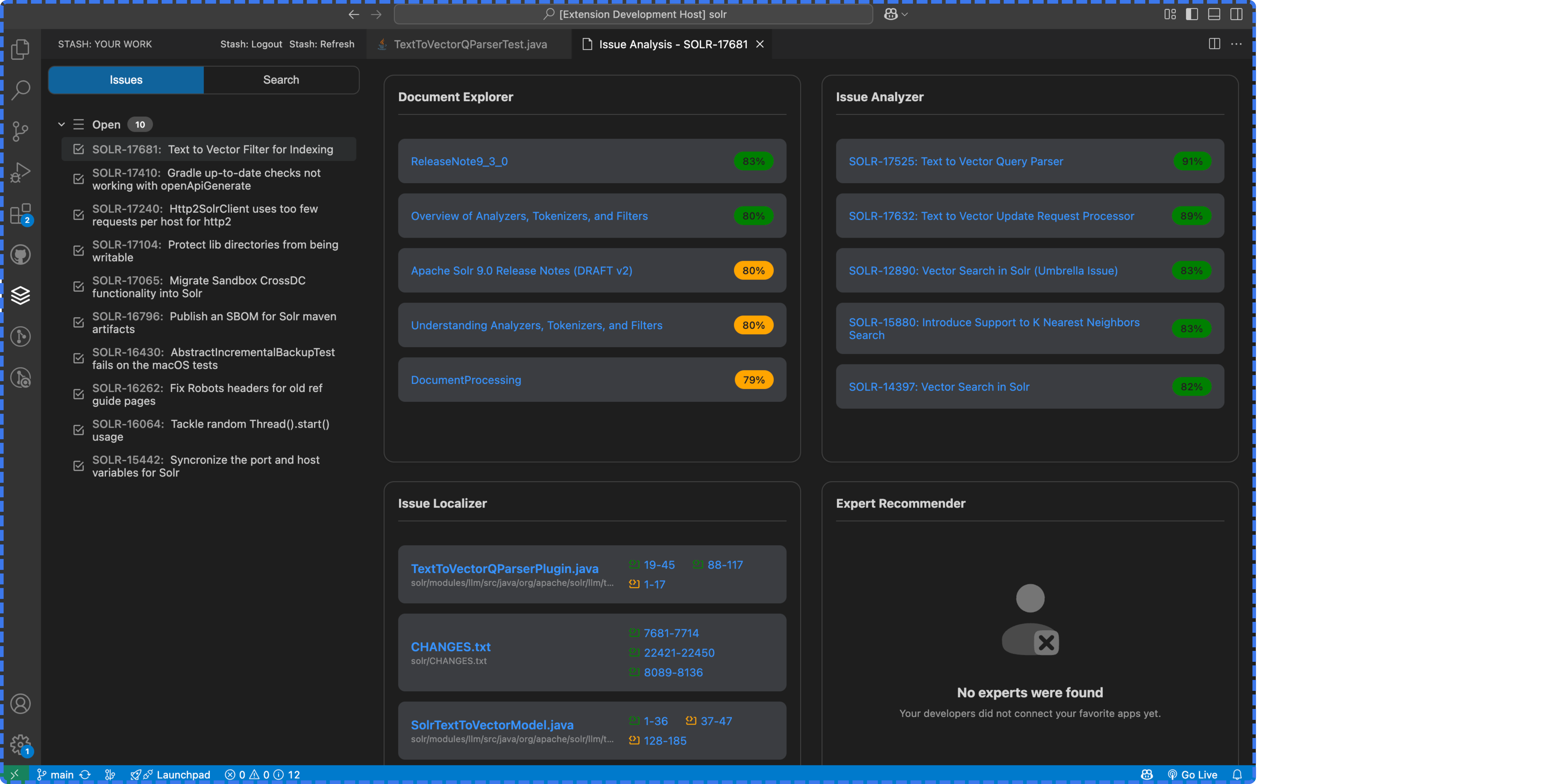
  <Step title="Access Issue Resolution Assistant when working on assigned tickets.">
    <img src="https://mintcdn.com/stash/9o_KO0Lz9dj79wjO/images/VSIssueAssistant.png?fit=max&auto=format&n=9o_KO0Lz9dj79wjO&q=85&s=c8039af79c7caf7d6d6541d93c627c00" alt="VS Issue Assistant Pn" width="6750" height="3375" data-path="images/VSIssueAssistant.png" />
  </Step>
</Steps>

## JetBrains Plugin

If you’re using **IntelliJ IDEA, PyCharm, or other JetBrains IDEs**, the Stash plugin works the same way as the VS Code extension.

<Steps>
  <Step title="Open the JetBrains Marketplace and search for Stash.">
    [https://plugins.jetbrains.com/](https://plugins.jetbrains.com/)
  </Step>

  <Step title="Install the plugin and sign in with your Stash account." />

  <Step title="Run Smart Search right inside your JetBrains IDE." />

  <Step title="See issue resolution context directly in assigned tickets." />
</Steps>