> ## Documentation Index
> Fetch the complete documentation index at: https://docs.usestash.com/llms.txt
> Use this file to discover all available pages before exploring further.
# Issue Resolution Assistance
> Get instant solution context for any issue
**Issue Resolution Assistance** is Stash’s core system for helping developers resolve issues faster. It proactively provides all the context you need - documents, past issues, coding locations, and experts within your company who hold the relevant knowledge, **without you having to ask or search for it.**
When you’re assigned an issue, Stash automatically surfaces everything you need to understand and resolve it, so you can focus on building instead of digging through multiple tools for answers.
## **Where to access Issue Resolution Assistance**
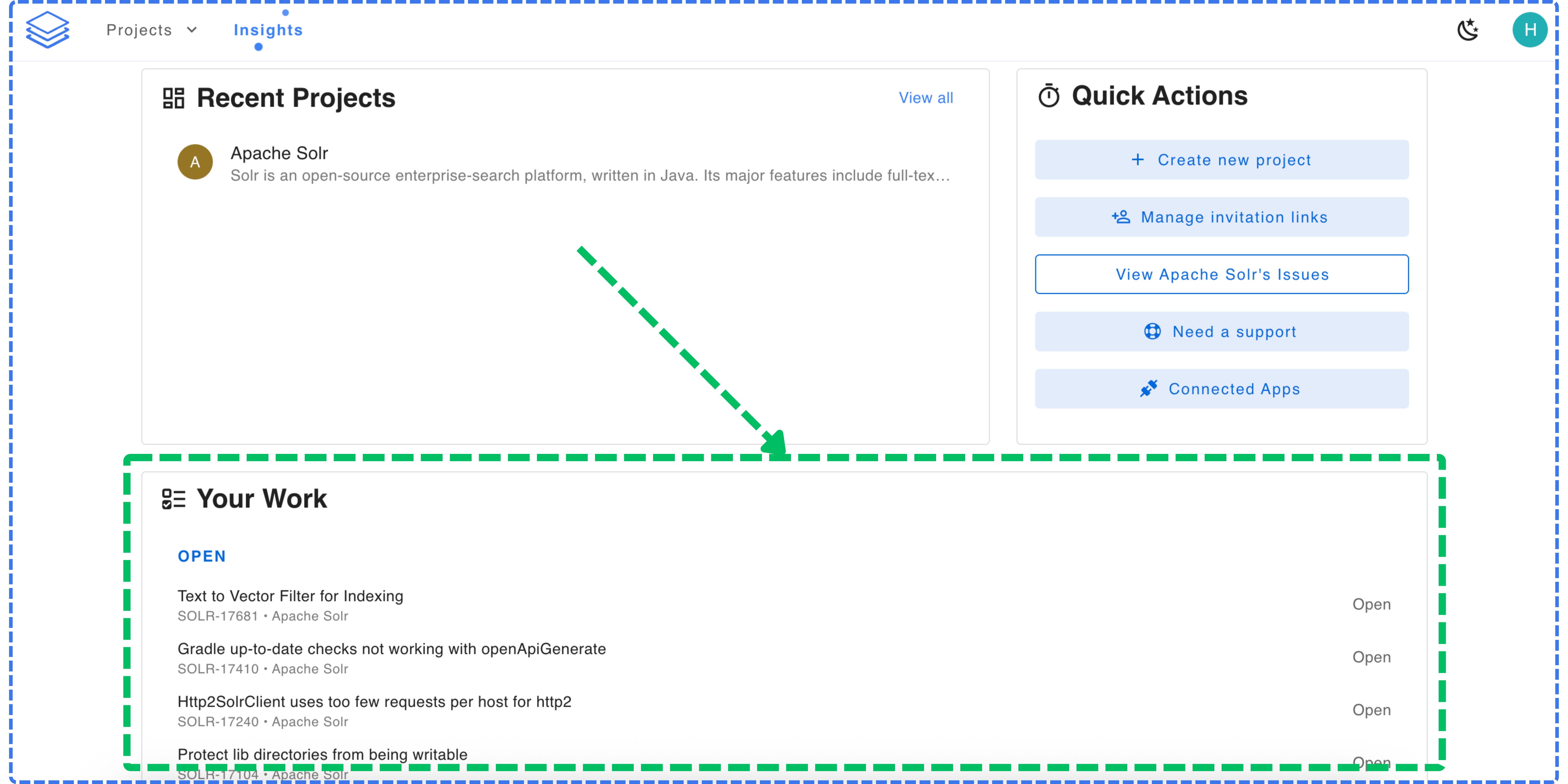
You can view your assigned issues in the **Your Work** section. Click on any issue to open Issue Resolution Assistance.
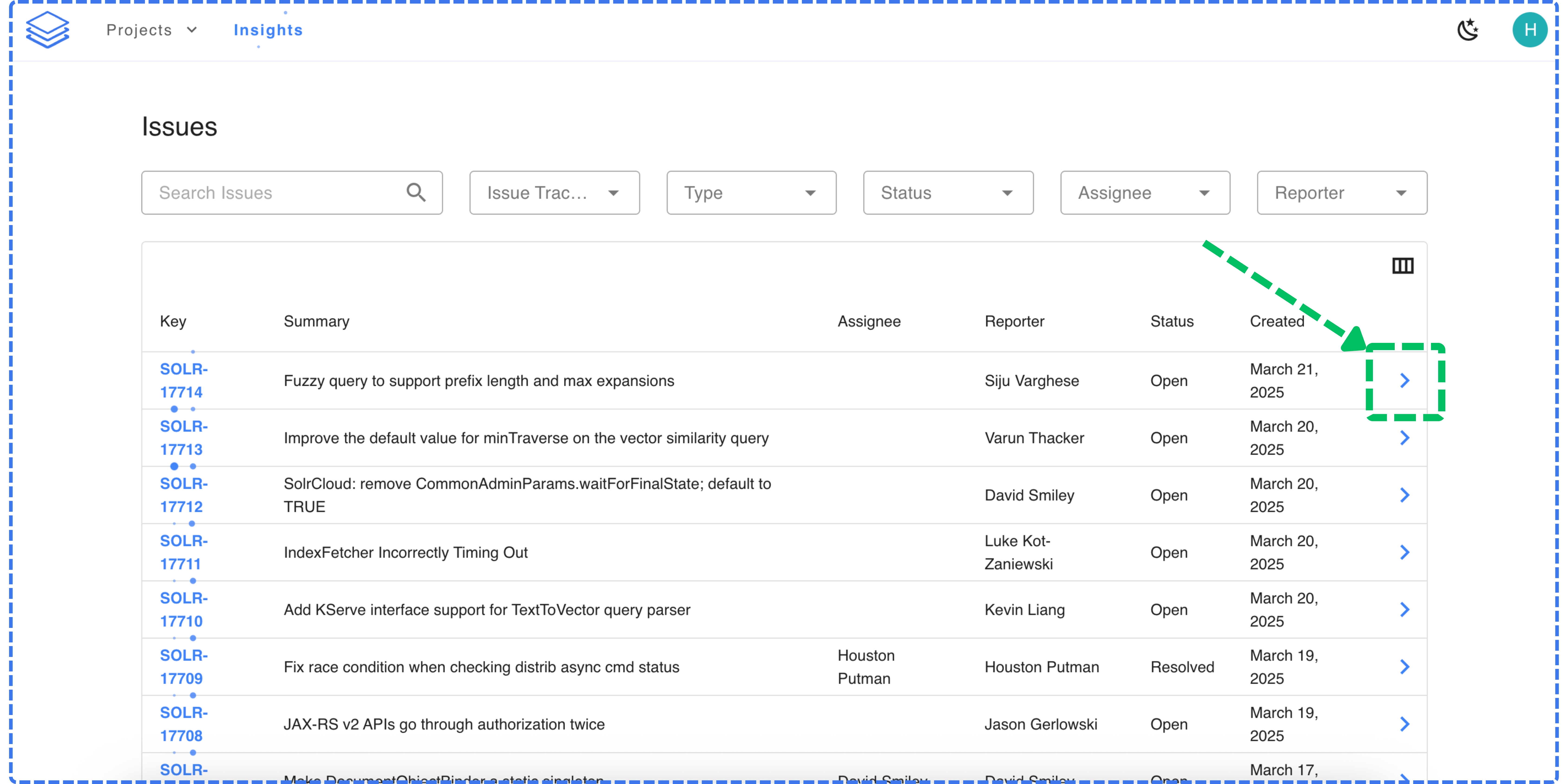
 Navigate to your project and click **Issues** to view all issues. Use the search and filter options to find the issue you need, then click the arrow at the end of the row to open Issue Resolution Assistance
 ## **How Issue Resolution Assistance works**
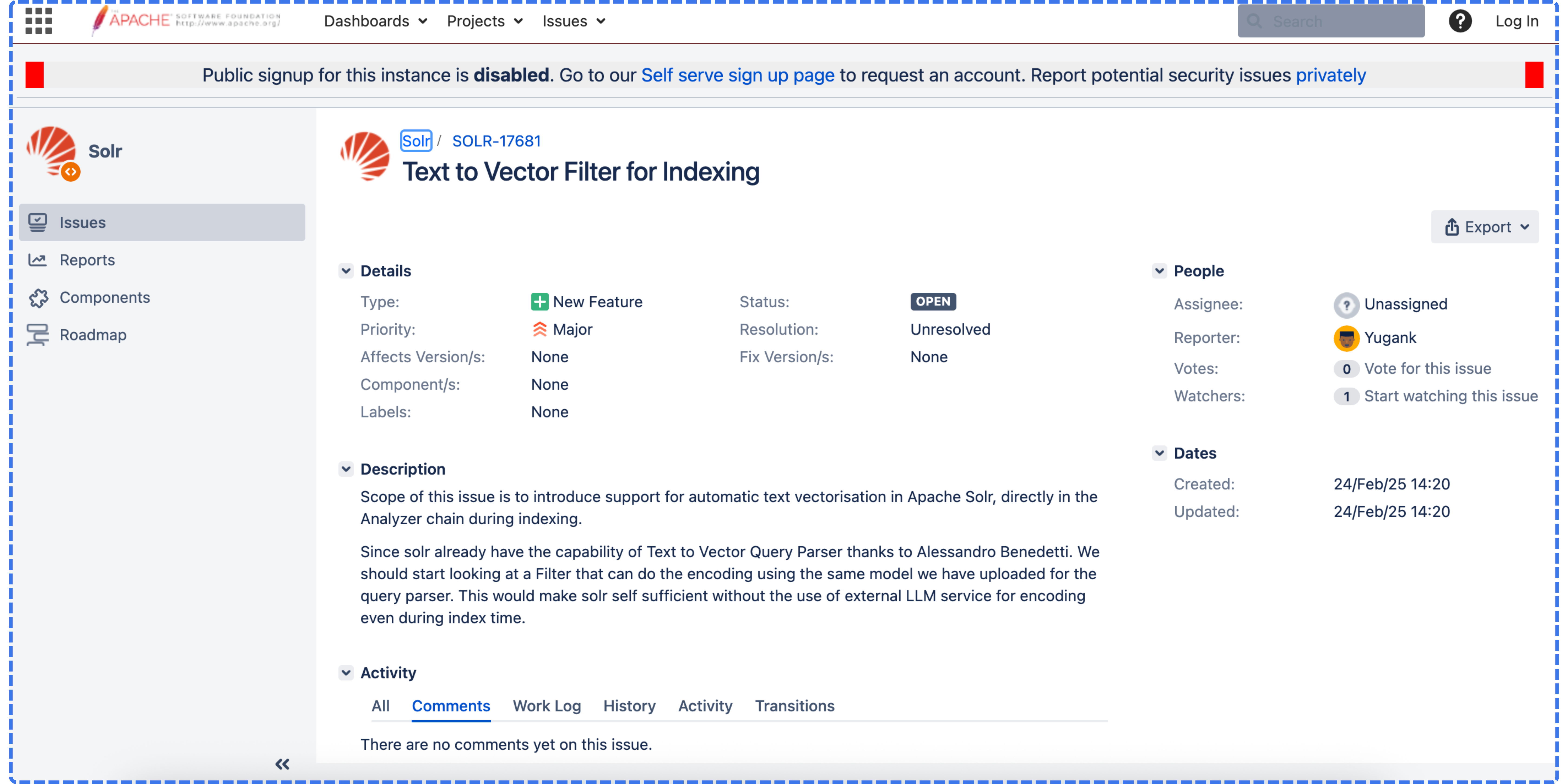
When you’re assigned an issue and need deeper context to understand it, Issue Resolution Assistance provides everything in one place.
## **How Issue Resolution Assistance works**
When you’re assigned an issue and need deeper context to understand it, Issue Resolution Assistance provides everything in one place.
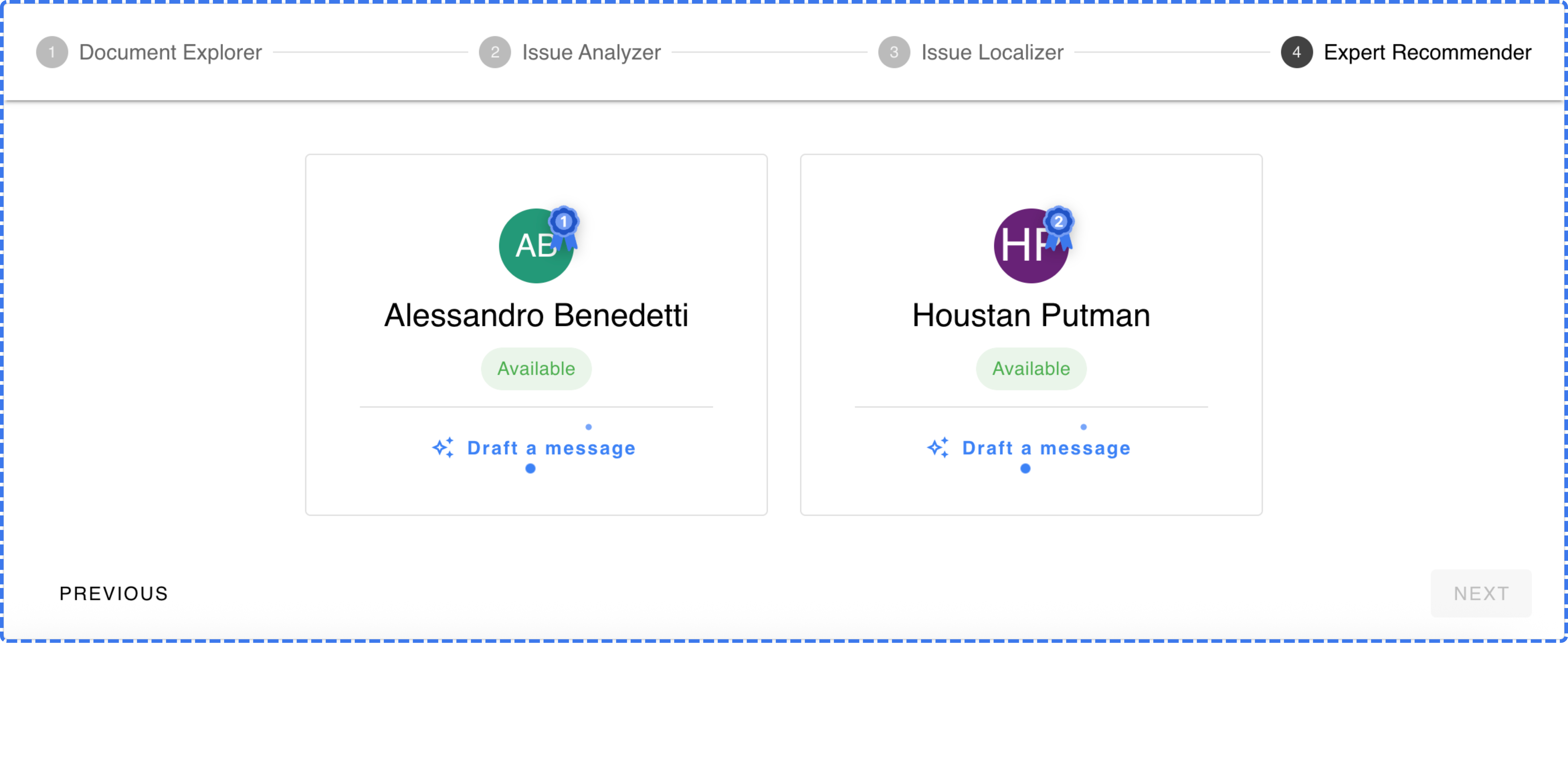
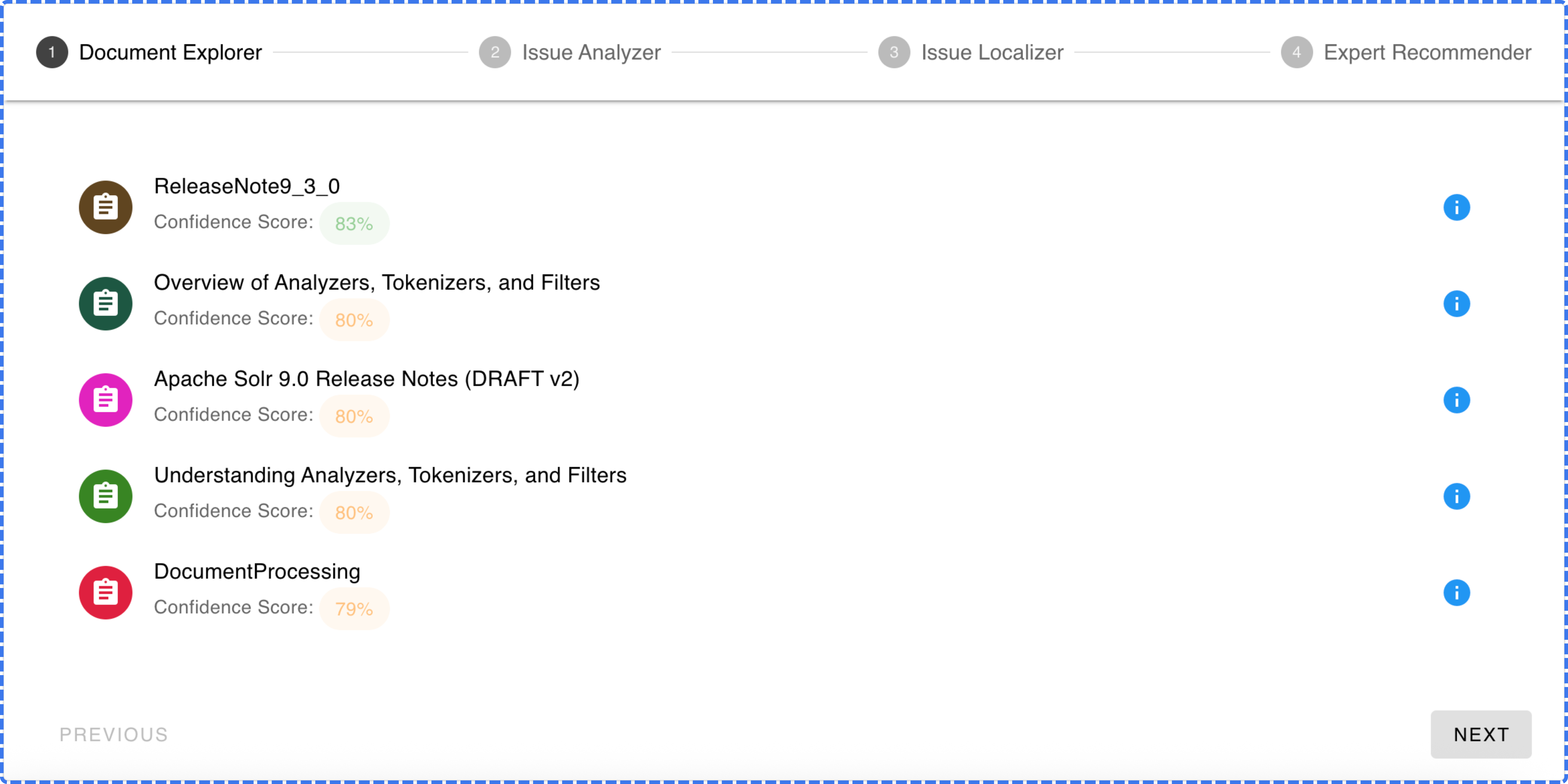
 When you open **Issue Resolution Assistance** for that issue, you’ll see four core modules working together to give you complete context:
Surfaces the most relevant documentation, design notes, and wiki pages related to the issue.
When you open **Issue Resolution Assistance** for that issue, you’ll see four core modules working together to give you complete context:
Surfaces the most relevant documentation, design notes, and wiki pages related to the issue.
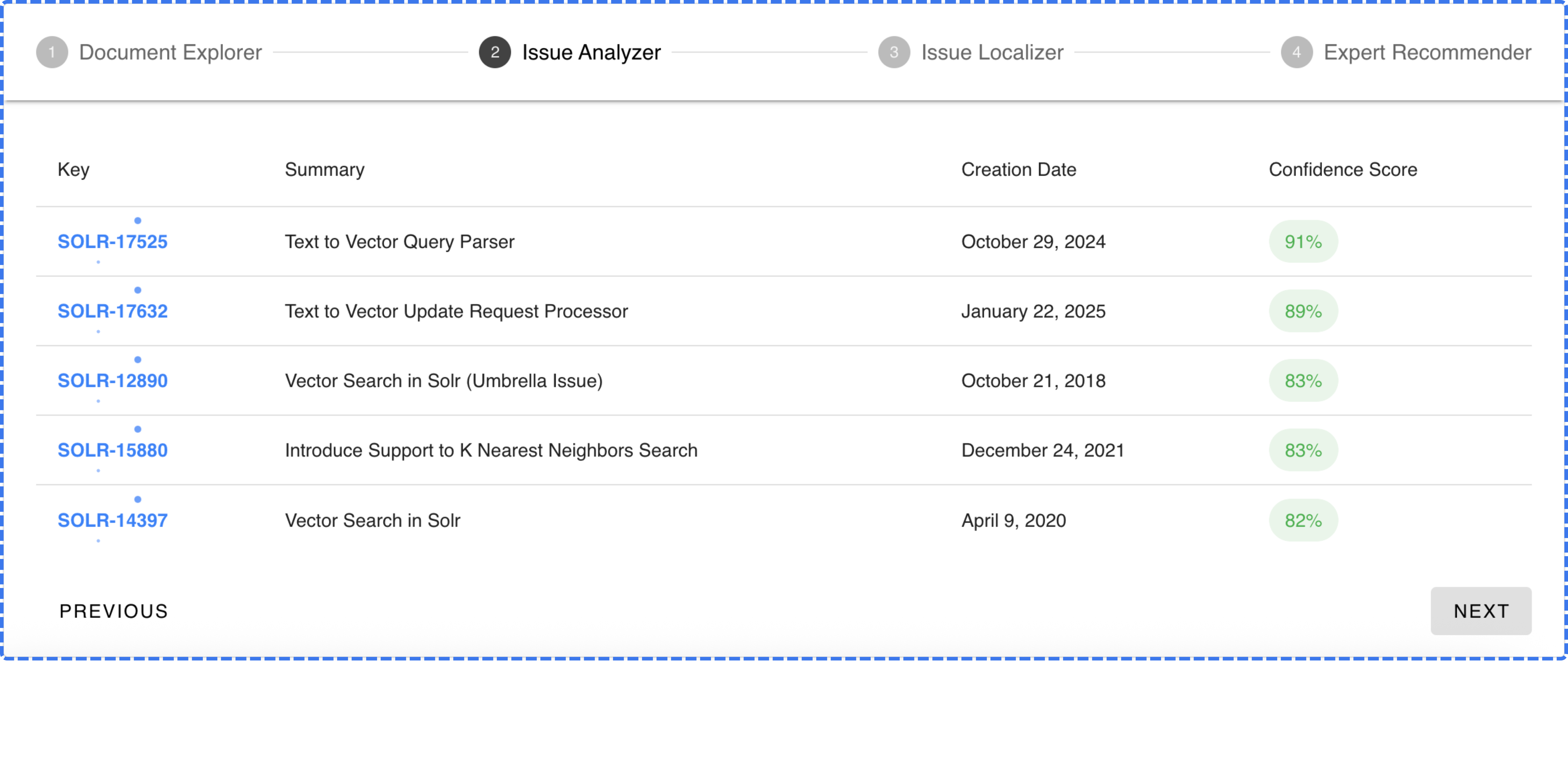
 Displays similar past issues and how they were resolved, helping you learn from previous fixes.
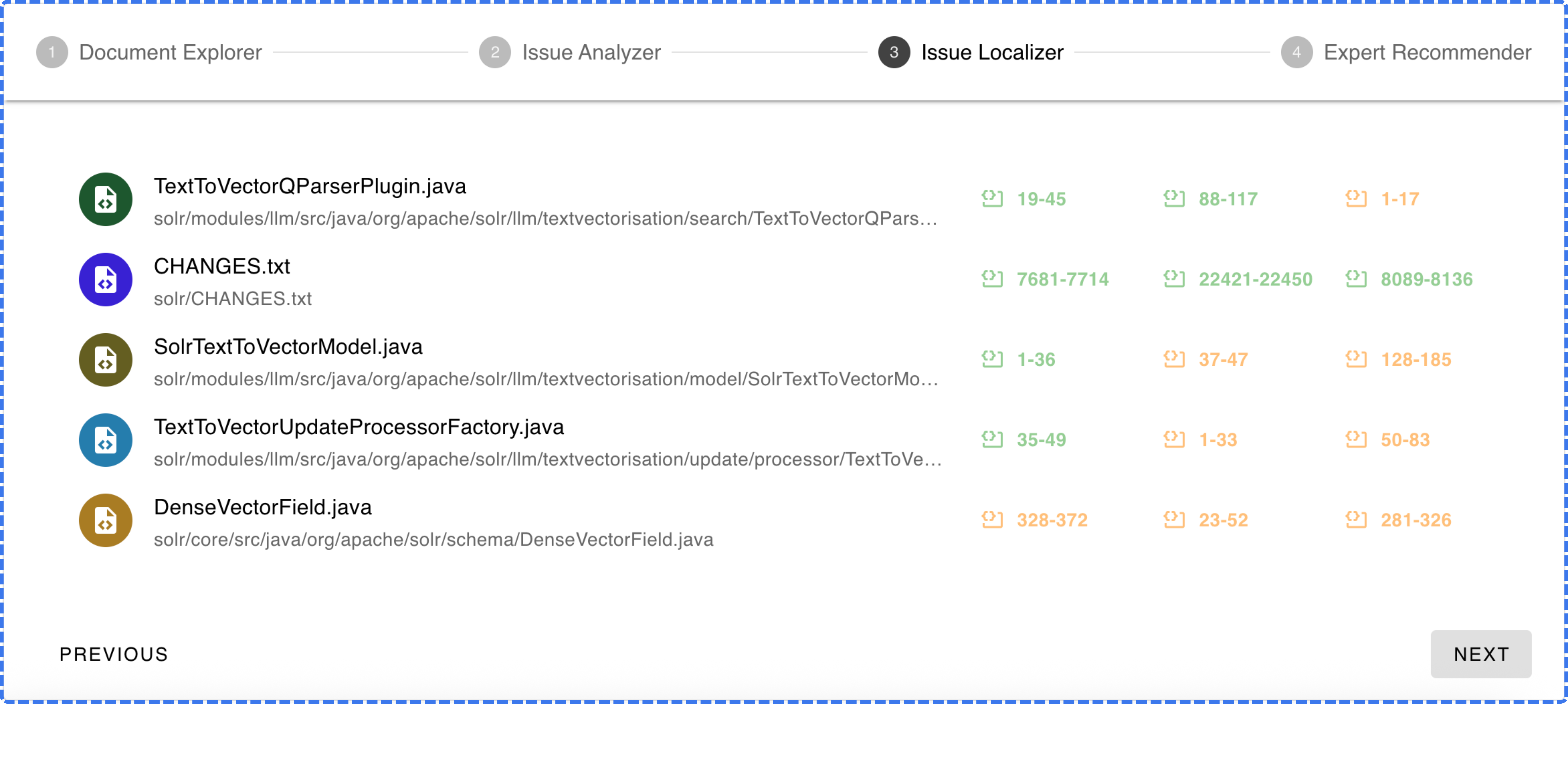
 Pinpoints the exact files and functions in the codebase most likely related to the issue.
 Identifies the teammates with the deepest knowledge of the problem area.